



Build a Checklist Culture That Catches Mistakes Before They Happen

Today we explore ‘Checklist Culture: Reducing Errors with Simple Routines,’ showing how small, repeatable steps prevent costly mistakes, speed up teamwork, and strengthen confidence. Expect practical examples, field‑tested patterns, and compassionate guidance you can apply immediately. Share your experiences, subscribe for templates, and help others learn from your wins.

Why Simple Lists Defeat Complex Errors

Across high‑stakes domains, straightforward lists prevent oversight by anchoring attention at crucial moments, creating shared language, and converting hard‑won lessons into repeatable moves. When pressure rises, they offload memory, expose risky assumptions, and slow rash decisions just enough to catch the avoidable. The result is steadier quality, calmer teams, and fewer surprises.
Aviation adopted preflight lists after painful accidents, transforming coordination between captains and crews. Decades later, surgical teams applied similar practices, pausing for names, sites, and instruments before the first incision. Studies following implementation reported fewer complications and deaths, not because people tried harder, but because the system quietly supported doing the right things.
Our working memory is tiny and distractible, especially under stress, noise, and interruptions. A well‑timed prompt rescues critical steps that brains naturally drop when multitasking. By externalizing memory, teams conserve attention for judgment, communication, and creativity, leaving the routine pieces to a reliable, uncomplaining, visible partner on the page or screen.

Design Principles for Checklists That People Love

Useful lists are short, purposeful, and written in the language of the work. They live where action happens, appear exactly when needed, and flow with real tasks. The best versions invite brief conversation, confirm shared understanding, and close with a clear signal that the team is ready to proceed.

Do‑Confirm versus Read‑Do

Two patterns cover most needs. Do‑Confirm lets experts work from memory, then quickly verify essentials. Read‑Do guides step‑by‑step when sequence matters or stakes are highest. Choosing the right pattern reduces friction, earns trust, and prevents the feeling that the list is second‑guessing professional judgment or slowing necessary momentum.

Clear Wording and Strong Triggers

Write items as observable actions with crisp verbs, concrete nouns, and unambiguous conditions. Tie each to a visible trigger: before pushback, after compile, at first patient contact, when pager alarms. Triggers beat memory every time, turning vague intentions into predictable checkpoints that teams can anticipate, practice, and reliably execute.
Length, Flow, and Visual Design

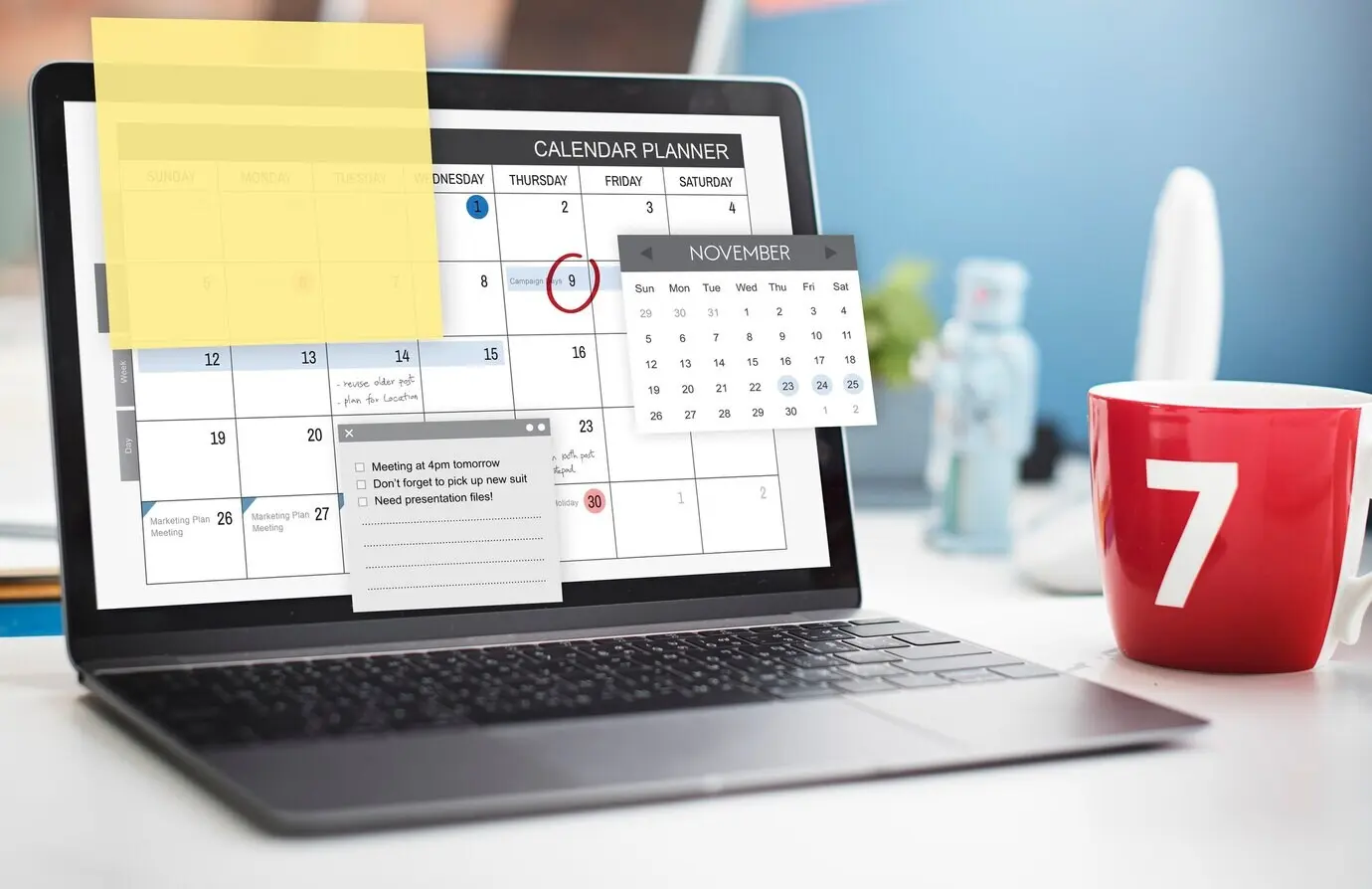
Short enough to scan, complete enough to matter. Group related steps, use whitespace and numbering, and keep critical items near natural pauses. Avoid jargon unless universally understood. Test readability with real users in noisy, rushed conditions; if it fails there, it will fail when it matters most.

Habit Loops Turn Lists into Reliable Routines

Consistency depends on cues, simplicity, and reinforcement. Build rituals around moments that already exist, like shift beginnings or deployment windows. Keep friction tiny, record completions, and make adherence visible. When everyone expects the pause, momentum continues afterward stronger, and the checklist becomes a welcome accelerator rather than an obstacle.

Turning Adoption into a Shared Norm

Culture shifts when respected people go first, paperwork feels purposeful, and tools stay within arm’s reach. Normalize brief pauses, treat them like seatbelts, and protect them even on busy days. Over time, the new habit becomes social expectation: we check together, we confirm aloud, and we proceed confidently.

Leaders Set the Standard

When executives, chiefs, or senior engineers read and respond to checklist prompts themselves, permission spreads instantly. Skeptics notice. Compliance stops looking like bureaucracy and starts looking like excellence. Leaders can ask for the pause, wait for it patiently, and celebrate it publicly, making reliability visible and desirable to everyone.

Psychological Safety and Blameless Reviews

Inviting any team member to speak up during checks transforms silence into protection. A blameless review after incidents examines systems, not individuals. When a missed step surfaces, you update the checklist, training, or environment. People who feel safe contribute sharper observations, which strengthens outcomes and builds lasting trust across disciplines.

Versioning and Ownership

Assign a clear owner, log revisions, and date every copy. Ownership ensures feedback does not vanish and older versions do not linger. Rotating quarterly reviews keep items relevant, concise, and aligned with current risks, while a single source of truth prevents divergence between departments and preserves hard‑earned improvements.


Paper Still Wins Sometimes

Clipboards, laminated cards, and bold markers remain champions in wet, bright, dirty, or glove‑required environments. They never crash, load instantly, and broadcast status at a glance. Pair paper with periodic photo capture or scanning to track completion, learn from patterns, and archive proof without burdening people during peak activity.

Digital Systems and Integrations

Checklists inside incident tools, electronic records, or deployment pipelines keep context and action together. Pre‑filled identifiers, environment flags, and links to runbooks remove scavenger hunts. API‑driven reminders nudge at the right moment, and analytics reveal bottlenecks, letting you refine steps while protecting privacy and respecting the flow of work.

Start with a Baseline

Collect recent incident counts, rework hours, or defects per release, then mark the day your first checklist launches. Even a simple before‑and‑after comparison tells a story. Add qualitative notes from frontline staff to illuminate why changes worked, anchoring numbers in real human experience and operational reality.

Run Charts and Leading Indicators

Plot weekly completion rates, time‑to‑detect anomalies, and near‑miss reports on a simple run chart. Watch for shifts or trends after training, tool changes, or revisions. Leading indicators move first, signaling whether your routines are taking hold long before outcomes become obvious, giving everyone clarity and patience to persist.

After‑Action Reviews and PDSA

Close the loop with short, structured conversations: what was supposed to happen, what actually happened, what went well, and what to change next. Wrap adjustments in a Plan‑Do‑Study‑Act cycle, update the checklist, and broadcast learnings widely so improvements do not stay trapped within one shift, team, or site.
Voforaraxerotezazaveka
Privacy Overview

This website uses cookies so that we can provide you with the best user experience possible. Cookie information is stored in your browser and performs functions such as recognising you when you return to our website and helping our team to understand which sections of the website you find most interesting and useful.